A link for your shop
Customers open your shop’s own page and send their files. No app install or chat thread needed.

For neighbourhood print shops
A clear, reliable way to receive print orders and send them straight to your counter printer.
One shop link. One tidy queue. Less file chasing.
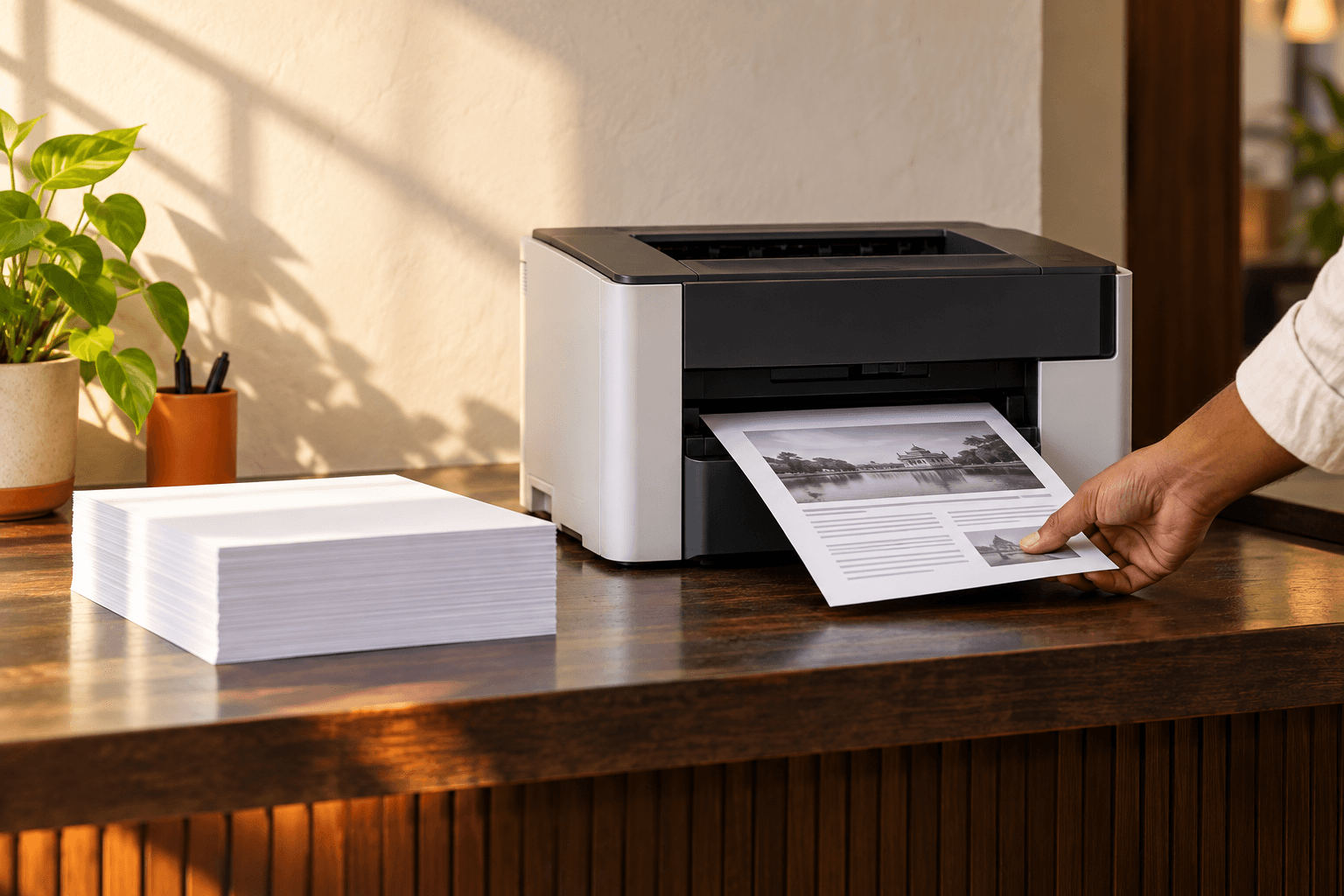
A simpler handoff
Customers open your shop’s own page and send their files. No app install or chat thread needed.
See each order, its files, copies, and token together. Preview the document and set print options before approval.
Your connected Counterprint Bridge sends approved documents to the local operating-system print queue.
Counterprint Bridge
The desktop agent connects the shop’s order queue to a printer on the shop computer. Install it on the computer that has access to your printer.
Choose your installerAvailable for Apple silicon Mac, Intel Mac, and Windows 64-bit.
Your files go to the printer installed on your shop computer.
Why Counterprint
Counterprint gives a local print shop one practical place to receive customer files, review the request, and prepare the job. The shop keeps control of what gets printed and which printer handles it.